

Key Takeaways
- Repurposing a TikTok for Instagram starts with saving a watermark-free export, since Instagram reduces reach for clips still showing TikTok branding.
- From there, trim the clip to under 90 seconds for Reels (15 to 30 seconds for max reach), rewrite the caption with 3 to 5 niche Instagram hashtags, and pick a placement: Reels for reach, Stories for casual clips, or carousels for tutorials.
- A few extra steps help it gain traction: lead with a strong visual hook in the first two seconds, add on-screen captions for silent viewers, swap in an Instagram-native sound if needed, and space posts out across platforms.
- The right tool handles most of the work: AmpCast AI for multi-format content repurposing and distribution at scale, CapCut for watermark-free exports, InShot for mobile editing, Canva for carousels, and Repurpose.io as one option for automated cross-posting between platforms.
- AmpiFire’s AmpCast AI turns one topic into 8 formats, including reels and shorts, then auto-publishes them across 300+ platforms beyond TikTok and Instagram.
Turning a TikTok Video Into Instagram-Ready Content
Repurposing a TikTok video for Instagram works best when you strip the TikTok watermark, resize the clip, and match the caption and format to how Instagram’s algorithm ranks content. Instagram’s system flags clips that still carry visible branding from another app, which quietly caps how far they spread. Most creators repost the same export they used on TikTok and never realize why the numbers fall flat.
The bigger mistake is treating every TikTok the same way once it lands on Instagram. A video built for the Reels algorithm behaves differently than one meant for Stories or a feed post, so the format you pick changes how far the content travels and who sees it first. Getting the edit right only pays off if the placement matches the goal.
For creators repurposing content beyond TikTok and Instagram, AmpiFire’s AmpCast AI turns a single topic into a multi-format and multi-platform content campaign and distributes it automatically across 300+ high-authority sites, so you don’t have to manually resize and reformat for every channel.

How AmpiFire Works:
- Research & Target: Find high-demand topics your buyers search for.
- Create & Repurpose: AmpiFire’s AmpCast AI generates news articles, blog posts, interview podcasts, longer informational videos, reels/shorts, infographics, flipbooks/slideshows, and social posts.
- Distribute & Amplify: Auto-publish to 300+ sites, including Google News, YouTube, Spotify, and major news networks.
Get more traffic from people who want to buy your stuff, and powerful “As Seen On” trust badges for your site.
Do It Yourself (with AI), Done For You Content, & 100% Managed Organic Growth options available.
Grow Your Free Traffic From Everywhere
How to Repurpose a TikTok for Instagram?
1. Save the Video Without a Watermark
Instagram may deprioritize content recycled from other apps with visible branding in the Reels feed and recommendations.
If you already posted, re-export from your editor (like CapCut) without the watermark, or use a removal tool like SnapTik. This single step makes the biggest difference in how your video performs on Instagram.
2. Trim the Video to Fit Instagram
TikTok allows videos up to 10 minutes when recorded in-app, or up to 60 minutes for uploaded pre-recorded videos, but Instagram Reels work best under 90 seconds. Although Reels can now run up to 3 minutes, the algorithm still favors clips under 90 seconds to reach new audiences.
Aim for 15 to 30 seconds if your goal is maximum reach, since shorter Reels have higher completion rates and are more likely to be replayed. For Stories, split longer clips into 15- or 60-second segments (Stories cap at 60 seconds per clip).

3. Rewrite the Caption & Swap Hashtags
TikTok captions are usually short, with platform-specific hashtags like #fyp and #foryoupage that have no value on Instagram. Instagram audiences respond better to captions that add context, ask a question, or include a call to action, such as “save this for later.”
Replace your TikTok hashtags with 3 to 5 niche-specific Instagram hashtags that your target audience actually follows. Instagram allows up to 2,200 characters per caption, but shorter text with clear value tends to perform better on Reels.
4. Pick the Right Instagram Placement
Each format serves a different purpose:
- Reels: Best for reaching new followers. The algorithm pushes Reels to non-followers more than any other format, making it the strongest choice for growth. Use a 9:16 vertical format (1080 x 1920 pixels), same as TikTok.
- Stories: Good for behind-the-scenes content, polls, and time-sensitive clips. Capped at 60 seconds per clip and disappear after 24 hours.
- Carousel posts: Break a longer TikTok into key frames with text overlays. Works well for tutorials and step-by-step content.
- Feed posts: Suit evergreen content you want on your main profile grid.
5. Add Instagram-Specific Features
After uploading, tag relevant accounts, add a location, and include alt text for accessibility. If your TikTok audio isn’t available on Instagram (common for business accounts), add a trending sound from Instagram’s native library instead.
You can also use Instagram’s sticker tools to add a question prompt or poll to boost interaction. These small additions help Instagram show your content to more people.
Tips to Improve Engagement on Repurposed Content
Reformatting a video for Instagram gets it there, but a few extra steps help it gain traction. These adjustments make repurposed content look and feel like it was made for Instagram from the start.
- Use a strong visual hook in the first two seconds. Instagram’s algorithm tracks how quickly viewers scroll past your video, so a bold text overlay, a surprising visual, or a direct question keeps people watching. Many Instagram users watch Reels without sound, so your hook needs to work without sound.
- Add on-screen captions or subtitles. Since many viewers watch silently, on-screen text makes your content accessible and helps the algorithm understand your topic. Tools like CapCut and Canva can auto-generate captions you can style for Instagram.
- Check if your audio works on Instagram before uploading. TikTok trending sounds are often missing from Instagram’s library, especially for business accounts that face additional audio restrictions. If the audio is unavailable, swap to a trending Instagram sound or use your original voice.
- Adjust your tone slightly for Instagram. TikTok leans toward casual, fast humor, while Instagram audiences often respond better to polished visuals and slightly more structured delivery. You do not need to reshoot the video, but tweaking the text overlays or adding a cleaner intro frame can help.
- Test different formats with the same video. One TikTok might work as a Reel, a Story, and an Instagram carousel post. Try all three and compare performance in your Insights dashboard. Look at reach, watch time, and saves to find which format your audience prefers.
- Space your posts out across platforms. Posting the same video on TikTok and Instagram within the same hour looks like duplicate content. Wait at least a few hours, or post on Instagram the following day, so each audience gets a fresh first impression.
Best Tools for TikTok to Instagram Repurposing
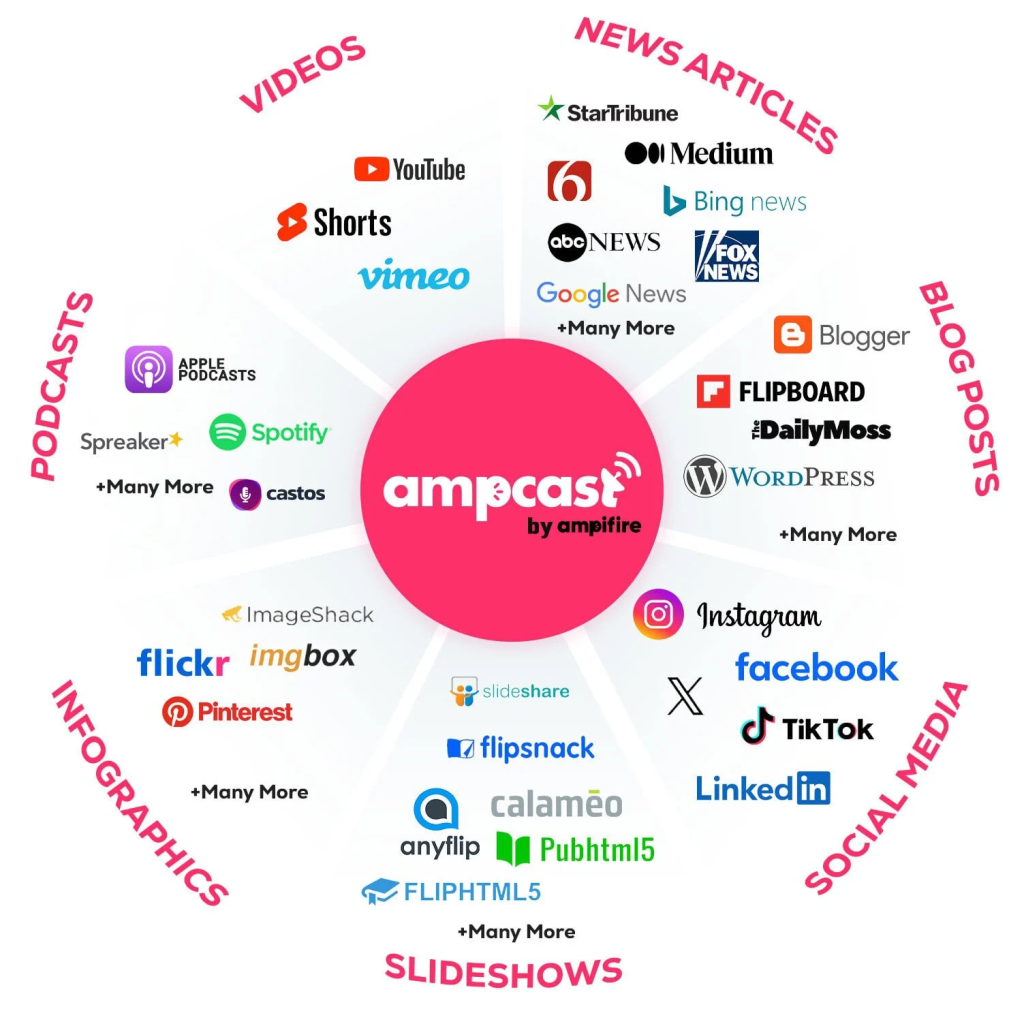
1. AmpCast AI by AmpiFire
AmpCast AI is built for creators who need more than a two-platform workflow. Instead of reformatting one clip by hand, it takes a single buyer-intent topic and generates 8 content formats: news articles, blog posts, interview podcasts, longer informational videos, reels and shorts, infographics, flipbooks and slideshows, and social posts.
Each version is adapted in style for the platform it lands on, an approach we call MultiCasting. It combines format adaptation, style adaptation, and multi-channel publishing rather than just pushing one asset to more places.
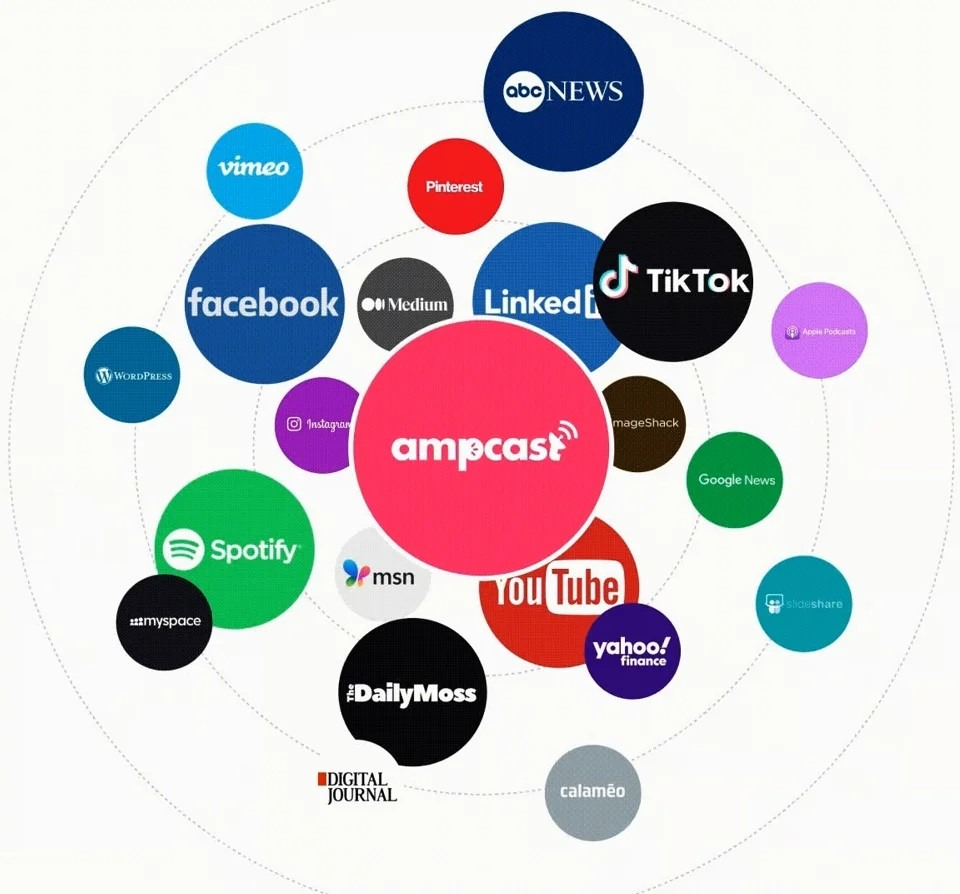
Automatic distribution runs across 300+ sites, including TikTok, Instagram, YouTube, Spotify, Pinterest, Google News, and FOX affiliate sites. The result is more content created in less time, without needing to hire a full content team, making it a more cost-effective approach for long-term content production.
2. CapCut
CapCut is a free video editor owned by ByteDance, the same company behind TikTok. It supports watermark-free exports, auto-captions, and templates sized for Reels and Stories.
It also includes green-screen effects, speed controls, and a music library that works well on both platforms. Using CapCut does not hurt your Instagram reach, since the algorithm prioritizes watermarks from other platforms over specific editing tools.
3. InShot
InShot is a mobile editor built for quick resizing, trimming, and text overlays. It also supports adding music, filters, and transition effects, making it a solid all-in-one option for mobile editing.
The free version covers most needs, and a pro upgrade removes InShot’s own branding from exports.

4. Canva
Canva works well for turning TikTok clips into carousel posts or adding branded text overlays. Its drag-and-drop editor includes Instagram-specific templates for Reels, Stories, and feed posts.
Even if you have no design experience, you can create professional-looking carousels from TikTok screenshots in a few minutes.
5. Repurpose.io
Repurpose.io is a cross-posting tool that connects TikTok and Instagram accounts and publishes videos on a set schedule with watermarks removed.
It also supports YouTube, Facebook, Pinterest, and LinkedIn. Plans start at $35 per month for individual creators and scale up for agency-level use, with discounts available on annual billing. Unlike AmpCast AI, it works with a single existing video file rather than generating new format-specific content from a topic.

Tools for Repurposing TikTok Videos for Instagram at a Glance
| Tool | Best For | Watermark Removal | Free Plan | Platform |
| AmpCast AI (AmpiFire) | Multicasting one topic into 8 formats across 300+ sites | N/A (creates native assets) | No | Web-based |
| CapCut | Full video editing | Yes | Yes | Mobile, Desktop |
| InShot | Quick mobile edits | Yes (Pro) | Yes (limited) | Mobile |
| Canva | Carousels and overlays | N/A | Yes | Mobile, Desktop |
| Repurpose.io | Cross-posting one existing video across platforms | Yes | No | Web-based |
AmpiFire’s AmpCast AI Extends Your TikTok Content Beyond Instagram
Getting a TikTok video ready for Instagram comes down to a handful of repeatable steps: a clean export, the right length, a caption built for the platform, and a format that matches the goal. Skip any of those, and even strong content gets buried by an algorithm built to reward Instagram-native posts.
The limitation of manual repurposing is that most buyers do not use only TikTok and Instagram. They search Google, watch YouTube, listen to podcasts, and browse news sites before deciding. At AmpiFire, our AmpCast AI platform applies MultiCasting to every buyer-intent topic, so one idea shows up in the formats and on the channels where the buying decision actually gets made. If reformatting content for every platform by hand is eating up your week, try AmpCast AI today.
Frequently Asked Questions (FAQs)
Can I upload a TikTok video to Instagram?
Yes, TikTok lets you share directly to Instagram Stories, but this adds a TikTok watermark. For Reels and feed posts, save the original video without the watermark and upload it manually to get better reach.
How do influencers post the same video on TikTok and Instagram in high quality?
They upload the original export file, not a version downloaded back off TikTok, which has already been compressed once. Export at 1080 x 1920, turn on high-quality uploads in Instagram’s settings, and upload over Wi-Fi.
What is the best video length for Instagram Reels?
Reels allow up to 3 minutes, but the algorithm favors videos under 90 seconds for reaching new viewers. For the widest reach, aim for 15 to 30 seconds with a strong opening hook.
Should I post on TikTok or Instagram first?
Most creators post to TikTok first, since trends surface there earlier, then move the clip to Instagram once it performs. If your Instagram following is larger, reverse that order so your strongest audience sees it fresh.
How does AmpiFire help with content repurposing?
AmpiFire’s AmpCast AI creates multi-format content around topics target buyers are searching for, and publishes it across hundreds of high-authority sites. This builds organic traffic from search, social, video, and audio channels without manual editing and posting on each platform.
*Disclaimer: Results may vary based on individual circumstances, business type, and content strategy. The time savings and outcomes mentioned are based on typical user experiences and are not guaranteed. For specific pricing and service details, please visit AmpiFire.
Author
Related Posts


How to Repurpose TikTok Videos for YouTube Shorts: Best Practices & Tools
Learn how to repurpose TikTok videos for YouTube Shorts the right way, with platform tips, a clean upload workflow, and…


How to Repurpose YouTube Videos for Instagram: Step-by-Step Guide & Tools
Learn how to repurpose YouTube videos for Instagram Reels using a simple editing workflow, top tools, and automation, then read…

How to Repurpose YouTube Videos for TikTok
Learn how to repurpose YouTube videos for TikTok using AmpiFire's AmpCast AI and other tools, so you reach more people…


Instagram Reels vs TikTok: Views, Reach & Content Tips
Instagram Reels vs TikTok: TikTok wins cold reach; Reels nurtures your followers. Get views, reach tips, and grow on both…


How to Auto Post between Instagram & TikTok
Learn how to automatically post content between Instagram and TikTok. Find out tools, strategies, and best practices for seamless cross-platform…
How to Auto Post Vimeo Videos to Instagram [Post, Story & Reel]
Learn the best ways to share Vimeo videos on Instagram Posts, Stories, and Reels. Discover semi-automated tools that simplify the…








