
Key Takeaways
- AmpiFire’s AmpCast AI, OpusClip, Kapwing, and Vizard are the four tools that turn YouTube videos into Instagram Reels in 2026 using AI-cut, captioned vertical clips.
- OpusClip ranks each clip by predicted virality and auto-reframes to vertical with captions, starting at $15 a month for hands-off clipping.
- Kapwing combines a full browser editor with an AI Clip Maker for resizing and captioning in one place, with paid plans from $24 a month per member.
- Vizard uses transcript highlighting to select clips, suiting talk-heavy podcasts and webinars, with paid plans starting around $14.50 a month billed annually.
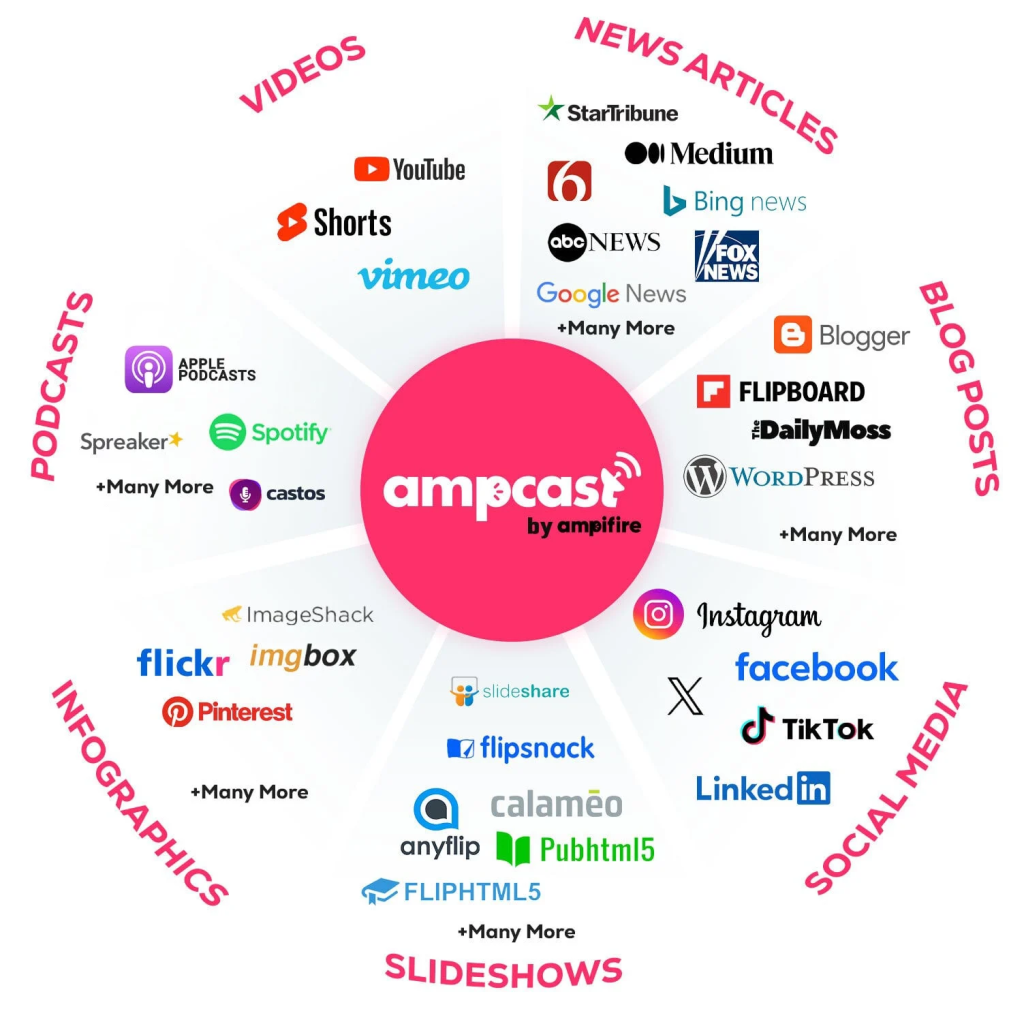
- AmpiFire’s AmpCast AI tops the list because it turns one topic into 8 content formats and publishes them across 300+ sites, including YouTube, Spotify, and Pinterest, reaching buyers beyond Instagram alone.
How to Turn YouTube Videos Into Instagram Reels With AI?
Four tools handle YouTube-to-Reels conversion well in 2026: AmpiFire’s AmpCast AI, OpusClip, Kapwing, and Vizard. Each relies on AI to find the strongest moments in a long recording, reframe them vertically, and add captions built for how people watch Reels, often with the sound off.
The right choice depends on how much editing control you want to keep. Automated clippers save the most time but occasionally miss the point of a scene, so talk-heavy formats like podcasts and interviews benefit from tools that let you highlight the exact line worth clipping instead.
For creators who want that reach to extend past Instagram, AmpiFire’s AmpCast AI takes the conversion a step further. It turns one YouTube recording topic into multiple platform-ready formats and publishes them across hundreds of sites, so the same clip that becomes a Reel also reaches YouTube Shorts, podcast feeds, and search at the same time.

How AmpiFire Works:
- Research & Target: Find high-demand topics your buyers search for.
- Create & Repurpose: AmpiFire’s AmpCast AI generates news articles, blog posts, interview podcasts, longer informational videos, reels/shorts, infographics, flipbooks/slideshows, and social posts.
- Distribute & Amplify: Auto-publish to 300+ sites, including Google News, YouTube, Spotify, and major news networks.
Get more traffic from people who want to buy your stuff, and powerful “As Seen On” trust badges for your site.
Do It Yourself (with AI), Done For You Content, & 100% Managed Organic Growth options available.
Grow Your Free Traffic From Everywhere
Top 4 YouTube to Instagram Reel Converter Tools
1. AmpiFire’s AmpCast AI
AmpCast AI does more than cut down a video. You give it a topic or a source URL, and it builds a whole content campaign: the reel or short, plus a long-form video, an interview-style podcast, a news article, a blog post, an infographic, a slideshow/flipbook, and social posts. Each version is written to the best practices of the platform it will land on, an approach known as MultiCasting, so the Reel is built for Reels and the podcast episode is built for podcast feeds. The platform then auto-publishes the full content set to 300+ sites, among them Instagram, YouTube, TikTok, Pinterest, and Spotify. The three clippers below stop at a finished file for one platform.
AmpiFire offers DIY access for $397 a month or an upgraded AI AmpCast credit for $495, with either option requiring a $27 monthly maintenance fee that includes unlimited AI content creation, syndication, and distribution. AmpCast AI suits e-commerce brands, local businesses, agencies, and marketing teams that want one recording working everywhere buyers look, not on Instagram alone.
AmpiFire holds 4.7 out of 5 on Trustpilot and 4.9 out of 5 on G2. Reviewers consistently praise the amount of finished content produced from each campaign, the reliability of the publishing service, and responsive support that follows through when issues come up. Long-term customers also mention steady service quality across both their own campaigns and client work.
2. OpusClip
OpusClip does the work for you. You paste a YouTube link, and the AI finds the most engaging moments, cuts them into short clips, and scores each one on estimated virality potential. It auto-reframes to vertical, adds animated captions, and can also pull video from Zoom, Loom, Google Drive, Dropbox, and Twitch. An AI copilot lets you prompt for specific topics or clip lengths.
OpusClip offers monthly and annual billing, with up to 60% off on the yearly option. The Free plan carries a watermark, caps clips at 1080p, and holds exports for 3 days.
The Starter plan at $15 a month (monthly billing only) includes 150 credits and adds watermark removal, the Virality Score, animated captions in 20+ languages, filler and silence removal, and auto-posting to YouTube Shorts, TikTok, or Instagram Reels. The Pro plan is $29 a month, or $17.40 a month billed annually, and unlocks 9:16, 1:1, and 16:9 aspect ratios, AI B-roll, video dubbing, a social scheduler, and a two-seat team workspace.
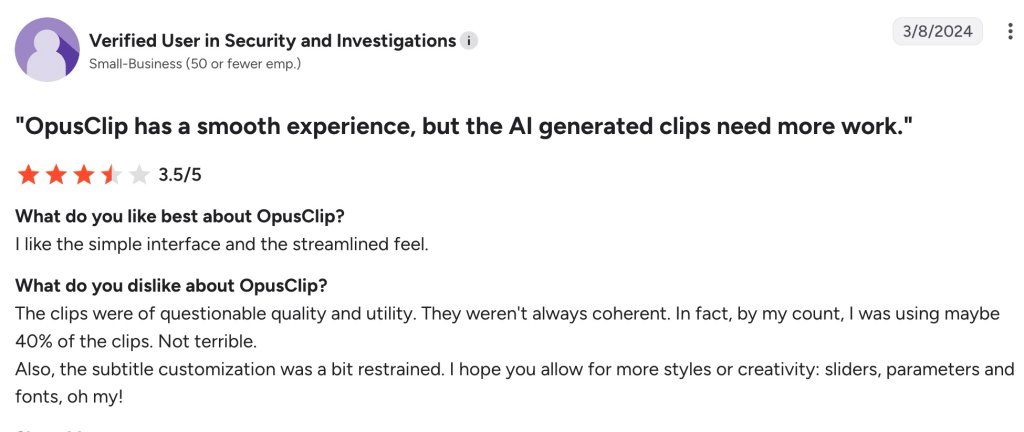
This tool suits podcasters and talking-head creators who want finished clips with little manual effort. It sits around 3.9 out of 5 on Trustpilot, while its G2 rating is higher at roughly 4.6. Reviewers commonly praise the simple interface, fast setup, and time saved turning long videos into short clips.
Criticism focuses on inconsistent AI selections, with some users finding only part of the generated clips coherent or usable without manual trimming. Limited subtitle customization also comes up, alongside complaints about confusing credit and billing rules.
3. Kapwing
Kapwing is a full browser-based editor that also handles YouTube-to-Instagram conversion in two ways. You can resize manually, since its converter automatically resizes YouTube videos to vertical and lets you crop to the main subject or add margins to fit the frame. Or you can use the AI Clip Maker to read the transcript and pull Instagram-ready highlights with subtitles. Extra tools include Smart Cut for removing silences, automatic subtitles in dozens of languages, and background removal.
Kapwing prices per member and publishes both monthly and annual rates. The Free plan includes 10 credits, watermarked exports up to 4 minutes long at 720p, and a 30-minute monthly export cap. The Pro plan is $24 a month billed monthly, or $16 a month billed annually ($192 a year), and includes 1,000 monthly credits, watermark removal, 4K export, 6GB uploads, and 100GB of storage. The Business plan is $64 a month billed monthly or $50 a month annually ($600 a year), with 4,000 monthly credits, voice cloning, lip sync, and 500GB of storage. Enterprise is quoted on request.
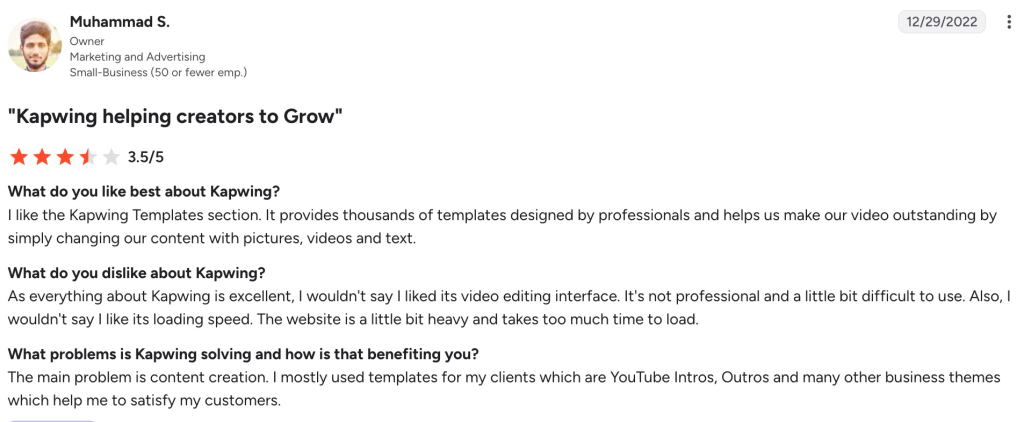
Kapwing targets users who want editing and clip creation in one browser-based tool, especially beginners who prefer templates and drag-and-drop controls. It holds around 4.1 out of 5 on G2, where reviewers often praise its large template library, ease of creating social videos, and subtitle tools.
Criticism focuses on performance and workflow limits. Some users find the editing interface less polished than dedicated editors and report slow loading on heavier projects. Others dislike per-member pricing, free-plan watermarks, and the need to export finished videos instead of publishing directly to social platforms.
4. Vizard
Vizard takes a transcript-first approach. You paste a YouTube, Zoom, or Google Drive link, and it analyzes the transcript, letting you pick clips by highlighting text rather than scrubbing a timeline. The AI transcribes the video, scores the strongest moments, and outputs vertical clips with auto-captions and speaker-tracking reframing, which works well for talk-heavy content like podcasts, interviews, and webinars.
Vizard carries the highest monthly entry price of the three clippers and the deepest yearly discount. The Free plan gives 60 credits a month, a 720p export cap, a 10-minute export limit, one connected social account, full editor access, and 3-day storage.
The Creator plan is $29 a month billed monthly, or $14.50 a month on the yearly plan at $174 a year, and it removes the watermark, exports up to 4K, connects 6 social accounts, schedules posts, and adds 100GB of storage. The Business plan is $39 a month billed monthly, or $19.50 a month at $234 a year, and it adds a shared workspace, up to 20 social accounts, team seats at $5 each per month, external project sharing, a brand kit, and custom fonts.
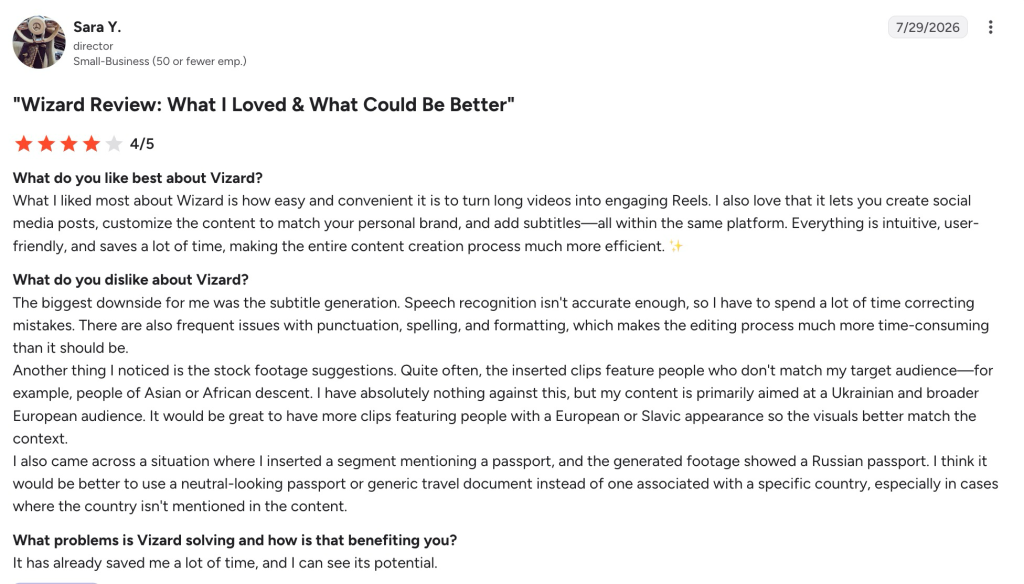
Vizard fits podcasters, webinar hosts, multilingual creators, and small teams that want more editing control without a steep learning curve. It rates 4.7 on G2 and 4.9 on Capterra, with reviewers praising fast clipping, easy long-to-short repurposing, branding controls, and language support.
On the downside, reviewers focus on AI accuracy and editing cleanup. Some users report subtitle errors in punctuation, spelling, and formatting that require manual correction, while stock-footage suggestions can occasionally miss the intended context. Others find auto-reframing weaker for two-person shots, caption styling less flexible than some rivals, and the upload-minute credit system restrictive.
YouTube to Instagram Reel Converters: Summary Comparison
| Tool | Best For | Standout Feature | Free Plan | Paid Plans Start at | G2 Rating |
| AmpCast AI by AmpiFire | Reaching every channel from one recording topic | One topic rebuilt into 8 platform-ready content formats and published to 300+ sites | No | $397/mo (DIY level) | 4.9 |
| OpusClip | Hands-off, automated clipping | Virality score on every clip | Yes (watermark, 3-day storage) | $15/mo (Starter) | 4.6 |
| Kapwing | Editing and clipping in one tool | Full browser editor with AI Clip Maker | Yes (watermark, 1-min export) | $24/mo per member (Pro) | 4.1 |
| Vizard | Deepest discount on annual billing | Edit clips by highlighting the transcript | Yes (watermark, 720p, 3-day storage) | $29/mo (Creator) | 4.7 |
Extend Your YouTube Clips Beyond Reels With AmpiFire
Turning a YouTube video into an Instagram Reel depends on how much automation you want and how much editing control you need. Automated clippers save time but occasionally miscut a scene, while transcript-based tools give more precision for talk-heavy content. Either way, the finished clip only works on one platform.
At AmpiFire, we handle the step that those tools leave out: getting that content in front of buyers everywhere they look. Our AmpCast AI takes one topic and builds it into 8 content formats, then publishes it across 300+ sites, including YouTube, Spotify, Pinterest, and major news networks. So, a single recording earns visibility on search, social, video, and audio at once. If you want your clips working across every channel instead of just one, you can put them to work with AmpCast AI.
Frequently Asked Questions (FAQs)
Can I repost my own YouTube videos as Instagram Reels?
Yes. If you own the footage and the rights to any music or images in it, you can repurpose your YouTube videos into Reels freely. The risk comes from third-party music, clips, or fonts you do not have rights to, so replace those with licensed or royalty-free assets before you post.
How long can an Instagram Reel be?
Instagram Reels can run up to 3 minutes (and some accounts have access to even longer limits). Shorter clips between 15 and 60 seconds usually hold attention better, so trimming to the strongest moment often performs well. Most converters let you set a target length so the AI cuts segments that fit Instagram rather than going over the limit.
Do YouTube to Instagram Reel converters post straight to Instagram or just export files?
It depends on the tool. OpusClip and Vizard can schedule and post clips to connected social accounts, including Instagram, on their paid plans. Kapwing exports finished video files that you then upload to Instagram yourself, since it does not publish directly to social platforms.
Will AI-generated clips need editing before I post them?
Often, yes. The AI is good at finding strong moments, but it can start or end a clip a beat too early or misplace a caption. Plan to review each clip, trim the edges, and check the captions for accuracy before publishing, especially for content in a language you do not speak.
How do I get my video content seen beyond Instagram?
A converter only helps on one platform. AmpiFire’s AmpCast AI repurposes a single recording into video, audio, written, and visual formats and distributes them across hundreds of sites such as YouTube, Spotify, and Pinterest. This builds organic traffic from search, social, video, and audio at once, so your visibility does not depend on a single channel.
*Disclaimer: Results may vary based on individual circumstances, business type, and content strategy. The time savings and outcomes mentioned are based on typical user experiences and are not guaranteed. For specific pricing and service details, please visit AmpiFire.
Author
Related Posts


Best Article to Video Converter Tools [2026 Edition]
Learn the best article-to-video converters for 2026. Compare top tools like AmpCast, Synthesia, and Pictory for efficient content creation.


4 Best Slideshow to Video Converter Tools: Features & Cost Compared
Compare slideshow-to-video converter tools like AmpCast AI, CapCut, VEED, and Canva by features and pricing, and find the best fit…

6 Best Video-to-Podcast Converter Tools [Free & Paid]
Find out about the 6 best video-to-podcast converter tools, both free and paid. Compare features, pricing, and free plans to…

4 Best Blog-to-Infographic Converter Tools in 2026 (Free & Paid)
Learn about the 4 best blog-to-infographic converter tools in 2026, both free and paid. Compare top picks to repurpose content…

How to Repurpose YouTube Videos for Instagram: Step-by-Step Guide & Tools
Learn how to repurpose YouTube videos for Instagram Reels using a simple editing workflow, top tools, and automation, then read…

How to Turn a Podcast into a YouTube Video: 3 Methods & Tools
Learn how to turn a podcast into a YouTube video using three proven methods, from static images to audiograms and…








