
Key Takeaways
- Converting YouTube videos to TikTok-ready vertical clips is straightforward if you have the right tool, but most creators waste time switching between apps that only handle one step of the process.
- Basic converters change the aspect ratio, but they leave you to handle captions, compression, platform specs, and distribution on your own, which adds up fast.
- AmpiFire’s AmpCast AI, Wondershare Filmora, InShot, ClipChamp, and Movavi all convert YouTube content for TikTok, but AmpCast AI goes further by turning one topic into 8 content formats and publishing them automatically across 300+ platforms.
- AmpiFire’s AmpCast AI handles the full repurposing workflow from a single topic, including short-form video optimized for TikTok, distributed to 300+ sites automatically.
Which YouTube-to-TikTok Converters Are the Best?
AmpiFire’s AmpCast AI, Wondershare Filmora, InShot, ClipChamp, and Movavi Video Converter are the five strongest options for converting YouTube content to TikTok right now. Each handles the core challenge of turning horizontal YouTube footage into vertical TikTok-ready clips, but they differ in features, pricing, and automation.
Below, we break down what each tool does well, where it falls short, and which one fits your workflow. If you need a free mobile editor or a paid platform that handles repurposing end to end, this lineup covers it.

How AmpiFire Works:
- Research & Target: Find high-demand topics your buyers search for.
- Create & Repurpose: AmpiFire’s AmpCast AI generates news articles, blog posts, interview podcasts, longer informational videos, reels/shorts, infographics, flipbooks/slideshows, and social posts.
- Distribute & Amplify: Auto-publish to 300+ sites, including Google News, YouTube, Spotify, and major news networks.
Get more traffic from people who want to buy your stuff, and powerful “As Seen On” trust badges for your site.
Do It Yourself (with AI), Done For You Content, & 100% Managed Organic Growth options available.
Grow Your Free Traffic From Everywhere
Best YouTube to TikTok Converter Apps (Free and Paid)
1. AmpiFire AmpCast AI: Complete Content Repurposing (Paid)
AmpiFire’s AmpCast AI takes a different approach to YouTube-to-TikTok conversion. Instead of just changing the aspect ratio, AmpCast transforms a single topic into 8 complete content formats: news articles, blog posts, interview podcasts, longer informational videos, reels/shorts, infographics, flipbooks/slideshows, and social posts.
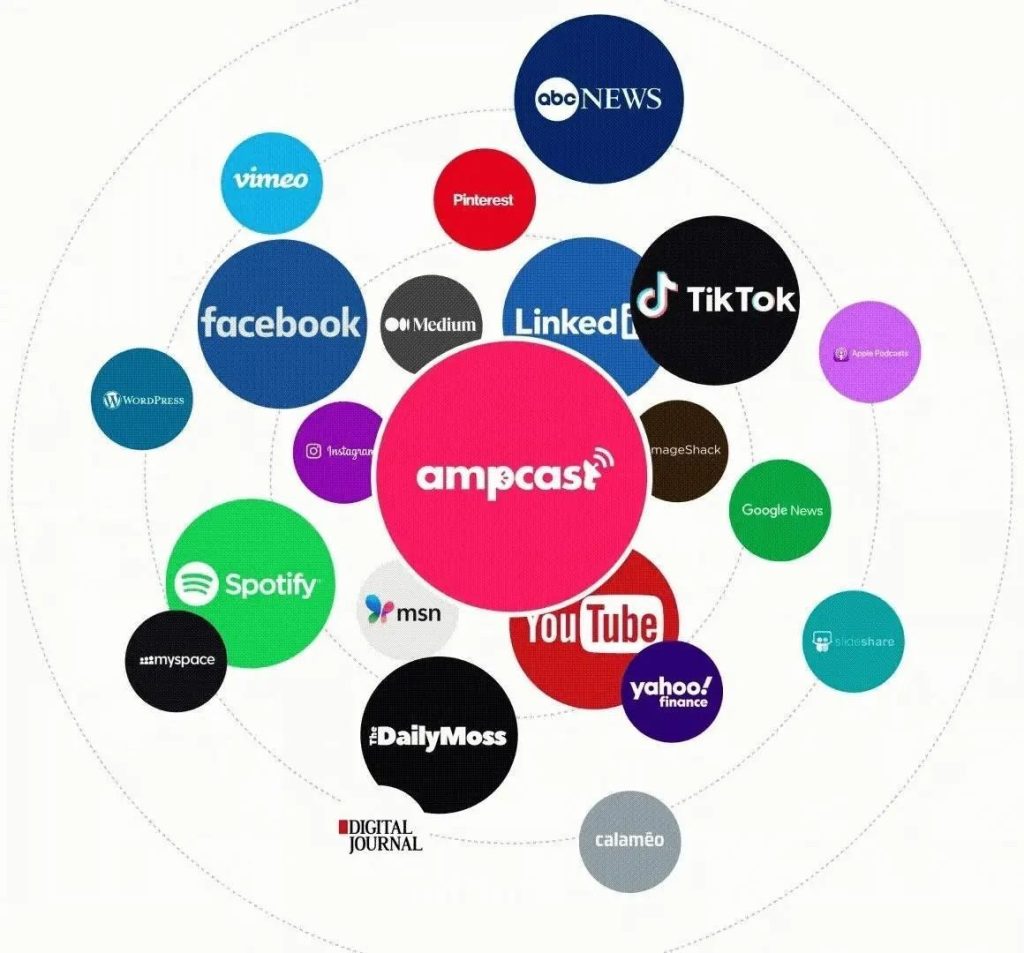
The platform then automatically distributes this content to 300+ high-authority sites including Google News, YouTube, Spotify, Pinterest, FOX affiliate news sites, and social platforms like TikTok, Instagram, and Facebook. That moves you from reformatting existing content to building a full multi-channel presence that drives organic traffic from search engines, social media, video platforms, and podcast directories.
2. InShot: Quick Mobile Editing for Beginners (Free)

InShot gives you a solid set of YouTube-to-TikTok conversion tools without burying you in options. You can adjust aspect ratios, trim clips, add trending music, and apply filters, all from your smartphone. Its preset aspect ratios and manual positioning make it easy to reframe horizontal content for vertical viewing.
While the free version includes watermarks and basic features, many creators find these limitations acceptable for casual content repurposing. The interface is beginner-friendly but offers enough customization to satisfy more experienced creators looking for quick edits on the go.
3. Wondershare Filmora: Professional-Grade Features (Paid)

Wondershare Filmora’s comprehensive video editing suite includes specialized tools for social media creators who need to repurpose content across multiple platforms. Its Auto Reframe feature uses AI to track subjects and intelligently reframe YouTube videos for TikTok’s vertical format, maintaining focus on the important elements regardless of aspect ratio.
Filmora’s template library is built specifically for TikTok content, with trending transitions, effects, and text animations that help converted clips match native TikTok aesthetics. The motion tracking feature lets text, stickers, and graphics follow subjects as the frame shifts from horizontal to vertical.
The software offers tiered pricing with both subscription and perpetual license options (the perpetual plan covers the current major version but does not include future major upgrades), making it accessible for creators at different stages of their workflow. While the learning curve is steeper than some alternatives, the investment pays off through significantly higher production value.
4. ClipChamp: Microsoft’s Basic Converter (Free)
ClipChamp is a browser-based editor from Microsoft that gives you drag-and-drop aspect ratio conversion without installing anything. Unlike most free tools, it holds up reasonably well on quality in the unpaid version. Windows users can open it directly from the Start menu, which makes it the most accessible option for that setup.
The stock media library and basic effects are welcome additions for enhancing your converted content, though advanced features are locked behind the premium tiers. The interface strikes a good balance between accessibility and functionality, making it suitable for both novices and those with intermediate editing skills.
5. Movavi Video Converter: Fast Batch Processing (Paid)
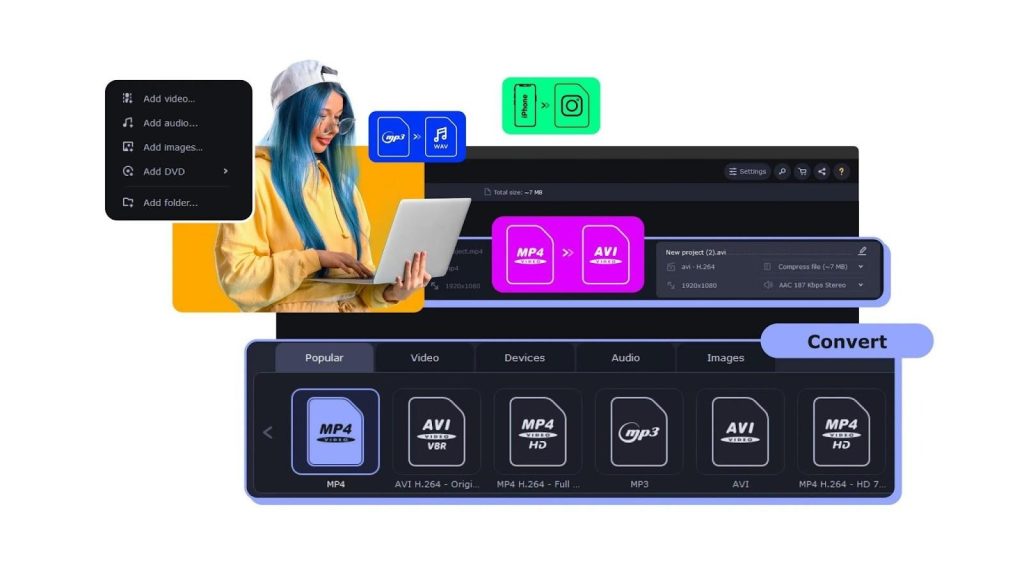
Movavi Video Converter is built for speed and reliability, making it a practical choice for content managers working through large YouTube video libraries that need TikTok optimization. The interface keeps things straightforward, with controls that cut down the steps in a standard conversion workflow.
The standout feature is Movavi’s SuperSpeed technology, which uses remuxing to change container formats without re-encoding, along with separate GPU acceleration support (NVIDIA, Intel, and AMD), to process videos faster than standard converters without compromising quality. For creators with extensive back catalogs of YouTube content, this efficiency is invaluable. The software also excels at preserving video quality during conversion, with smart compression algorithms that balance file size with visual clarity.
Movavi offers flexible output options specifically optimized for TikTok’s requirements, ensuring your converted videos comply with the platform’s specifications. While it lacks some of the creative editing features found in other premium options, it compensates with unmatched conversion speed and reliability. The software is available through both a one-time purchase (lifetime license) and subscription plans, giving creators flexibility to choose the model that fits their budget.
YouTube to TikTok Converter Apps: Comparison Table
| Tool | Price | Best For | Standout Feature |
| AmpiFire AmpCast AI | Paid | Full content repurposing and multi-platform distribution | Converts 1 topic into 8 formats, auto-publishes to 300+ sites |
| InShot | Free | Beginners who edit on mobile | Easy vertical reframing with preset aspect ratios |
| Wondershare Filmora | Paid | Creators who want professional production value | AI Auto Reframe + TikTok-specific template library |
| ClipChamp | Free | Windows users who need a quick, no-download option | Built into Microsoft ecosystem with a solid free tier |
| Movavi Video Converter | Paid | Batch-converting large video libraries fast | SuperSpeed remuxing + GPU acceleration for bulk processing |
Why Should You Repurpose YouTube Content for TikTok?
Repurposing YouTube videos for TikTok lets you get more out of content you’ve already made without extra filming, editing from scratch, or blowing your production budget.
- More output, same effort. One YouTube video can yield 5–20 TikTok clips pulled from moments that already performed well.
- New audiences. Many TikTok users don’t watch YouTube. Repurposing puts your content in front of them through the For You Page.
- Better algorithm performance. Short, focused clips drive higher completion rates, which signals TikTok to push your content further.
- Longer content lifespan. Clips pulled from older videos give that content a second chance to perform, months or years later.
- Lower production costs. Skip the reshoots and re-edits. AI-assisted tools can handle clip detection, reframing, captions, and resizing automatically.
The Fastest Way to Get YouTube Content on TikTok (and Everywhere Else)
For basic conversions, any of the five tools in this list will get your YouTube content into TikTok’s vertical format. The real time drain is everything that comes after: editing captions, managing uploads, checking platform specs, and repeating the process for every new piece of content.
AmpCast AI removes that entire back half of the workflow. One topic in, and it builds out 8 formats including short-form video for TikTok, then publishes them across 300+ platforms without any manual steps. If you’re already repurposing content regularly, that’s the workflow worth building around.
Frequently Asked Questions
What video quality should I aim for when converting to TikTok?
TikTok recommends 1080×1920 resolution for best results, and most creator guides point to 8–10 Mbps as a reliable bitrate for sharp video at that resolution. Always start with the highest-resolution source file you have rather than downloading a compressed version from YouTube. Premium converters use compression algorithms that protect visual clarity during format conversion so your content still looks clean on mobile.
How long should my converted TikTok videos be?
TikTok’s algorithm favors high retention, which makes 15–60 second videos a strong starting point for engagement. The platform allows uploads up to 60 minutes long, with in-app recordings capped at 10 minutes. Videos under a minute tend to get higher completion rates, though recent data shows longer videos can generate more total watch time. Pull the most compelling moments from your YouTube content rather than converting full videos.
Will converting YouTube content to TikTok hurt my original video’s performance?
No, repurposing content across platforms can significantly increase your overall reach, since each platform serves different audience segments and discovery mechanisms.
Adapt content natively for each platform rather than uploading identical files. Instagram, TikTok, and YouTube all algorithmically deprioritize content that appears recycled from other platforms (such as videos with visible watermarks from competing apps). Viewers often follow creators across multiple channels after finding them on one, but only when the content feels native to each platform.
Can I automate the entire YouTube to TikTok conversion process?
Yes, tools like AmpiFire’s AmpCast AI fully automate content repurposing. Instead of manually converting individual videos, AmpCast transforms any topic into 8 formats including short-form videos optimized for TikTok, then automatically publishes across 300+ platforms. This eliminates repetitive conversion work entirely.
*Disclaimer: Results may vary based on individual circumstances, business type, and content strategy. The time savings and outcomes mentioned are based on typical user experiences and are not guaranteed. For specific pricing and service details, please visit AmpiFire.
Author
Related Posts

How to Repurpose YouTube Videos for TikTok
Learn how to repurpose YouTube videos for TikTok using AmpiFire's AmpCast AI and other tools, so you reach more people…

How to Repost YouTube Shorts to TikTok & Vice Versa
Learn how to repost YouTube Shorts to TikTok and vice versa with our step-by-step guide. Get optimization tips to double…


How to Promote YouTube Videos Without Ads: 3 Best Free Methods
Find out 3 free methods to promote YouTube videos without ads. Learn organic strategies to boost views, grow your channel,…

What are the Best Content Amplification Tools [Free & Paid]
Find the best free and paid content amplification tools to expand your reach. Learn how to choose the right platforms…

Best 8 Web 2.0 Submission Sites with High DA in 2026 [Free & Paid]
Discover top Web 2.0 submission sites with high Domain Authority (DA) in 2026. Build powerful backlinks with proven strategies for…

Best Article to Video Converter Tools [2026 Edition]
Learn the best article-to-video converters for 2026. Compare top tools like AmpCast, Synthesia, and Pictory for efficient content creation.








