
Key Takeaways
- ContentStudio is a full content marketing and social media management platform with AI writing, bulk scheduling, competitor analytics, and team workspaces, making it best suited for agencies and teams managing multiple brands at scale.
- Buffer is a simpler scheduling tool focused on basic posting across 11 major social platforms, designed for solo creators, small businesses, and individuals who only need straightforward content scheduling.
- ContentStudio is the better choice if you need depth, scalability, and multi-client management, while Buffer wins for simplicity, ease of use, and consistent posting on core social channels.
- Both tools focus on scheduling and publishing, but neither one creates content in multiple formats or distributes it widely across hundreds of high-authority platforms beyond standard social networks.
- At AmpiFire we go further by turning one topic into 8 content formats (news articles, blog posts, interview podcasts, longer informational videos, reels/shorts, infographics, flipbooks/slideshows, and social posts) and distributing them across 300+ sites, including YouTube, Spotify, Google News, Pinterest, and FOX affiliate sites, to drive long-term organic traffic.
Which Social Media Tool Is Better: ContentStudio or Buffer?
ContentStudio wins for agencies, multi-brand teams, and marketers who need wider platform support, deeper analytics, bulk scheduling, and structured team workflows. Buffer wins for solo creators and small businesses that want a clean, easy way to post on a few major platforms without learning a complex system. Your choice comes down to whether you need depth and scalability or speed and simplicity.
That said, scheduling alone rarely drives real growth. Buyers search, watch, listen, and read across many platforms, so showing up in only a few social feeds limits how many people actually find you.
At AmpiFire, we help businesses go further by turning each topic into 8 content formats and publishing them across 300+ high-authority sites, so traffic comes from search, social media, video, podcasts, and more.

How AmpiFire Works:
- Research & Target: Find high-demand topics your buyers search for.
- Create & Repurpose: AmpiFire’s AmpCast AI generates news articles, blog posts, interview podcasts, longer informational videos, reels/shorts, infographics, flipbooks/slideshows, and social posts.
- Distribute & Amplify: Auto-publish to 300+ sites, including Google News, YouTube, Spotify, and major news networks.
Get more traffic from people who want to buy your stuff, and powerful “As Seen On” trust badges for your site.
Do It Yourself (with AI), Done For You Content, & 100% Managed Organic Growth options available.
Grow Your Free Traffic From Everywhere
ContentStudio vs Buffer: Feature-by-Feature Breakdown
Here’s ContentStudio and Buffer differ based on what you can actually do inside each platform.
Content Creation Tools: AI Writing, Carousels & Photo Editing
ContentStudio includes built-in AI writing assistance, Canva integration, VistaCreate integration, and an in-built URL shortener, all within one platform. This makes it easier to create and prepare content without switching between multiple tools.
Buffer also integrates with Canva, but it doesn’t include built-in AI writing or VistaCreate support. As a result, ContentStudio is more suited for users who want to create and format content quickly inside a single system, especially when producing content at scale.
Social Network Integrations & Supported Platforms
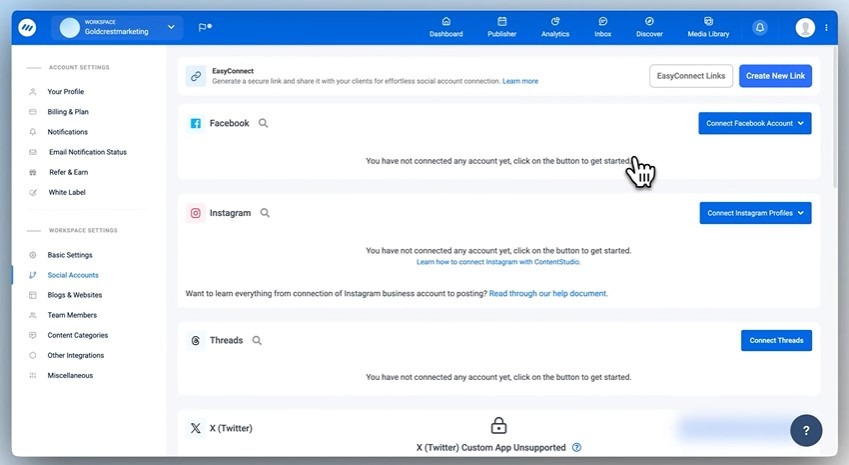
ContentStudio is a full social media management and content marketing platform that supports a wide range of networks for planning, scheduling, publishing, and analytics. Buffer supports around 11 major social platforms, focusing mainly on core social channels.
This difference matters if you want to manage distribution across multiple platforms instead of just a few standard ones. ContentStudio also allows direct publishing to WordPress and other blogging platforms, which helps you manage social media and blog content in one place. Buffer does not offer native blog publishing, so you would typically need separate tools for that part of your workflow.
Scheduling, Bulk Posting & Content Calendar
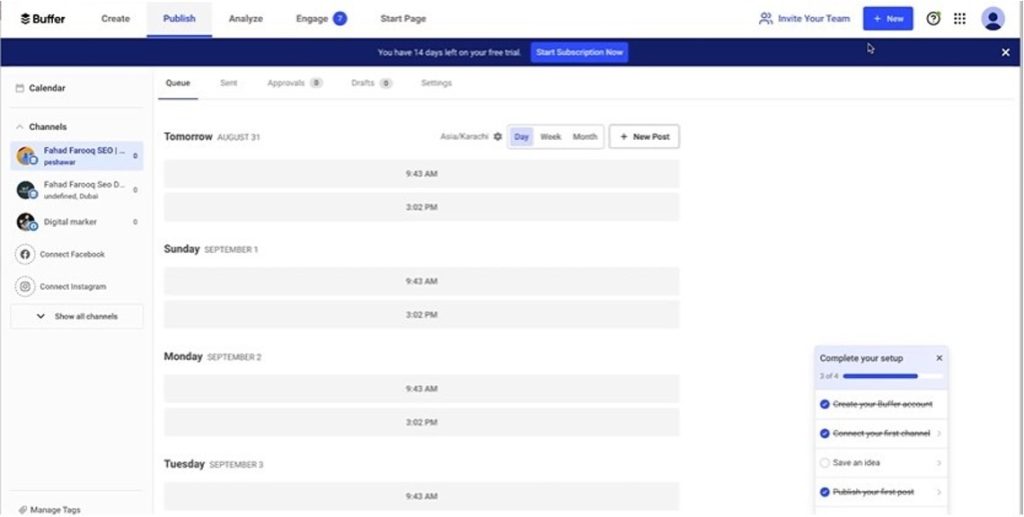
Both platforms offer scheduling and a content calendar, but ContentStudio provides stronger planning features. It includes drag-and-drop scheduling, multiple calendar views, and bulk posting options.
This makes it more useful for agencies or marketers handling large volumes of content across multiple accounts. Buffer keeps things simpler and more streamlined, which works well for straightforward scheduling but is less focused on managing high-volume content workflows.
Data Analytics
ContentStudio provides more detailed analytics, including competitor tracking, which helps you understand how your content performs compared to others in your space. This adds a more strategic layer to content planning.
Buffer offers clean and easy-to-read analytics focused on post performance and account-level insights. It’s useful for tracking engagement and basic performance, but it doesn’t go as far into competitor or market-level analysis.
Collaboration & Workflow Features
ContentStudio is built with teams and agencies in mind. It offers separate workspaces, allowing you to manage different clients or brands without mixing their content, analytics, or team access. It also includes approval workflows so content can be reviewed before publishing, helping maintain consistency and reduce errors.
Buffer does offer collaboration features, but they are more limited and often tied to higher-tier plans. For small teams, Buffer’s setup can be enough. But as soon as you start managing multiple clients or contributors, ContentStudio’s structure becomes significantly more efficient in day-to-day operations.
Which Social Media Tool is Right for You?
Understanding the right use case for each tool makes it easier to choose the best option for your workflow.
Choose ContentStudio If
- You’re Managing Multiple Clients & Workspaces: ContentStudio fits agencies and multi-brand teams that need organized workspaces, bulk scheduling, content calendars, and centralized publishing across multiple brands.
- You’re a Marketer Who Needs Detailed Analytics & Competitor Insights: ContentStudio helps marketers track performance, analyze competitors, identify top-performing content, and build a more data-driven social media strategy.
Choose Buffer If
- You’re a Solo Content Creator Who Needs Simple Scheduling: Buffer is suitable for creators who want a straightforward way to plan and publish social media posts without complex tools or workflows.
- You’re a Startup or Small Business Building Consistent Posting Habits: Buffer helps small teams stay active on social media with an easy scheduling system and minimal learning curve.
- You’re a Blogger or Personal Brand Managing Basic Social Media: Buffer works well for users managing platforms like Facebook, Instagram, LinkedIn, and X without needing advanced marketing features.
- You’re a Team Focused Only on Core Scheduling Features: Buffer is a reliable option for simple social media scheduling, though growing teams may eventually need stronger analytics, bulk posting, or workspace management tools.
ContentStudio vs Buffer: Comparison Table
| Feature Area | ContentStudio | Buffer |
| Platform Support | 30+ networks + WordPress/blog publishing | 11 major social platforms only |
| Content Creation Tools | AI writing, Canva, VistaCreate, URL shortener built-in | Canva integration only |
| Scheduling & Calendar | Advanced calendar, drag-and-drop, bulk scheduling | Simple scheduling and basic calendar |
| Analytics | Deep analytics + competitor tracking | Basic post and account performance |
| Collaboration | Separate workspaces, approval workflows, and strong team control | Basic team features, limited workflows |
| Best For | Agencies, marketers, multi-brand teams | Solo creators, small businesses, simple use cases |
AmpiFire: Going Beyond Scheduling to Full Content Growth
ContentStudio is the stronger choice for agencies and teams that need bulk scheduling, deep analytics, and structured workflows, while Buffer is the better pick for solo creators and small businesses that simply want clean, reliable posting on core social channels.
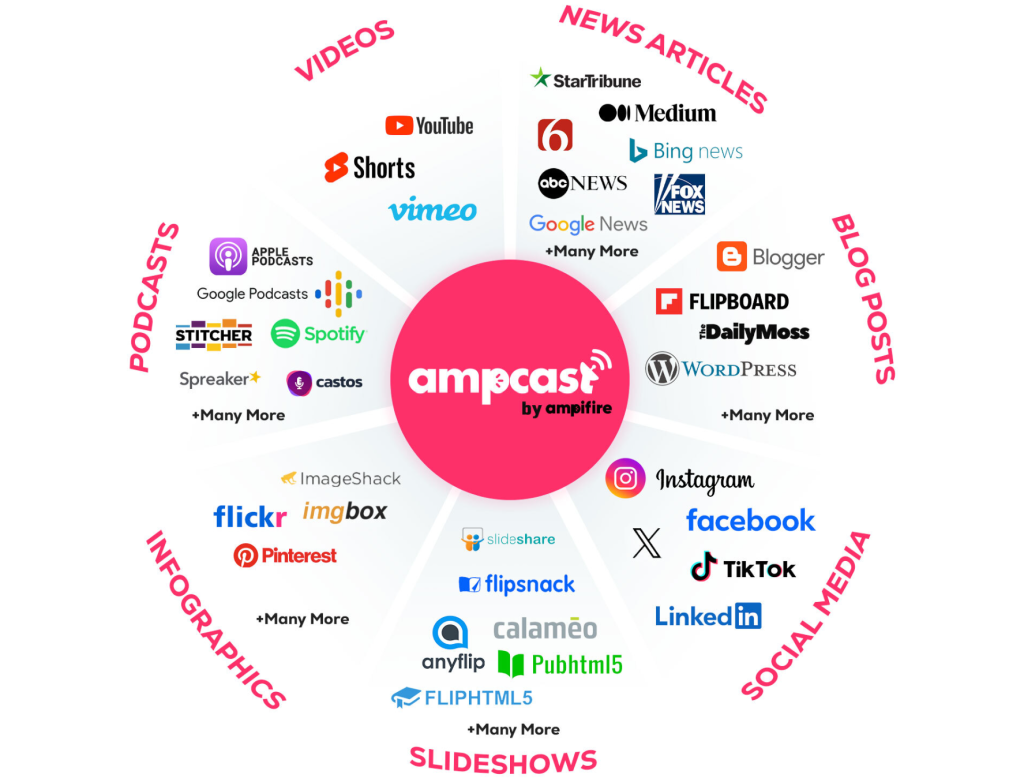
At AmpiFire, we believe real growth comes from doing more than scheduling. We turn one topic into 8 content formats and publish them across 300+ sites, including YouTube, Spotify, Google News, and Pinterest, so traffic builds from search, social, video, and podcasts. If you want to learn how to grow your free traffic from everywhere, we can show you how.
Frequently Asked Questions (FAQs)
Does ContentStudio have a free trial?
Yes. ContentStudio provides a free trial that lets you try out key features like scheduling, the content calendar, workspace setup, and AI writing tools. It’s designed so you can understand how the platform fits your workflow before committing.
Can Buffer handle multiple social media accounts?
Yes, Buffer can manage multiple social accounts, but each additional account adds to the cost. All accounts are managed in one shared workspace, so there’s no separation between different brands or clients. This works for simple setups, but it can get harder to manage as you scale.
Does ContentStudio offer white-label reporting?
Yes. ContentStudio offers white-label reporting on agency plans, allowing you to share client reports with your own branding. This helps maintain a professional, client-ready presentation without platform branding included.
Is Buffer good enough for advanced social media analytics?
Buffer provides solid basic analytics like engagement, reach, and post performance. However, it doesn’t offer detailed insights like competitor tracking or advanced comparisons. It works well for simple reporting but is limited for strategic analysis.
Which tool is better for social media agencies: ContentStudio or Buffer?
ContentStudio is better for agencies because it supports multiple clients with separate workspaces and structured workflows, making large-scale management easier. But agencies often also need content creation and wide distribution beyond scheduling alone.
That’s where we come in at AmpiFire. We turn one topic into 8 unique content formats (news articles, blog posts, interview podcasts, longer informational videos, reels/shorts, infographics, flipbooks/slideshows, and social posts) and distribute them across search, social media, video, podcasts, and more to support long-term organic traffic growth.
*Disclaimer: Results may vary based on individual circumstances, business type, and content strategy. The time savings and outcomes mentioned are based on typical user experiences and are not guaranteed. For specific pricing and service details, please visit AmpiFire.
Author
Related Posts


Sprinklr vs Buffer: Which Social Media Management Tool is Better?
Compare Sprinklr vs Buffer on features, usability, and use cases to choose the right social media management tool for your…
ContentStudio vs Hootsuite for Social Media Management: Features, Pros & Cons
Compare ContentStudio vs Hootsuite, their features, pros, cons, and find a smarter way to grow reach beyond social media with…


Hootsuite vs Buffer Social Media Management Tools: Free Plan & Pricing Comparison
See how Buffer and Hootsuite compare on pricing, free plans, and features. Learn which social media management tool has the…


Social Champ Reviews, Pricing & Features: Is This Social Media Management Tool Worth It?
Get honest Social Champ reviews. Learn pricing, features, and if this social media management tool is worth your investment for…

SocialPilot Features, Reviews & Pricing: Is This Social Media Management Tool Legit?
Discover SocialPilot’s key features, honest reviews, and pricing breakdown. See if this social media management tool is worth your investment…

Hootsuite Pricing: Plans & Free Social Media Management Alternatives
Explore Hootsuite pricing, compare plans with free alternatives like Buffer and Metricool, and learn how AmpiFire drives multi-channel organic traffic.








